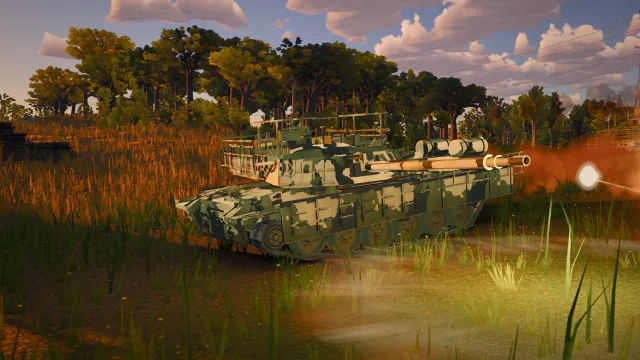
Frame composition
The render path updates camera, visible vehicle rigs, world detail, presentation effects, lighting, shadows, and post-processing from the latest interpolated state. Established hot loops reuse scratch objects and pools rather than allocating each frame.
Late transparent effects share depth information with the main scene. Muzzle light, tracer, sparks, smoke, dust, fire, and debris are admitted by distance and quality policy.
Lighting and post-processing
Biome lighting supplies sun direction, sky, fog, exposure, and shadow policy. Stable cascaded shadows follow the relevant camera region. The post chain combines ambient occlusion, anti-aliasing, bloom where useful, output grading, and the final dynamic render scale.
Capture views pin quality and render scale so comparison images do not drift. Gameplay can reduce expensive layers under sustained load.
Adaptive quality
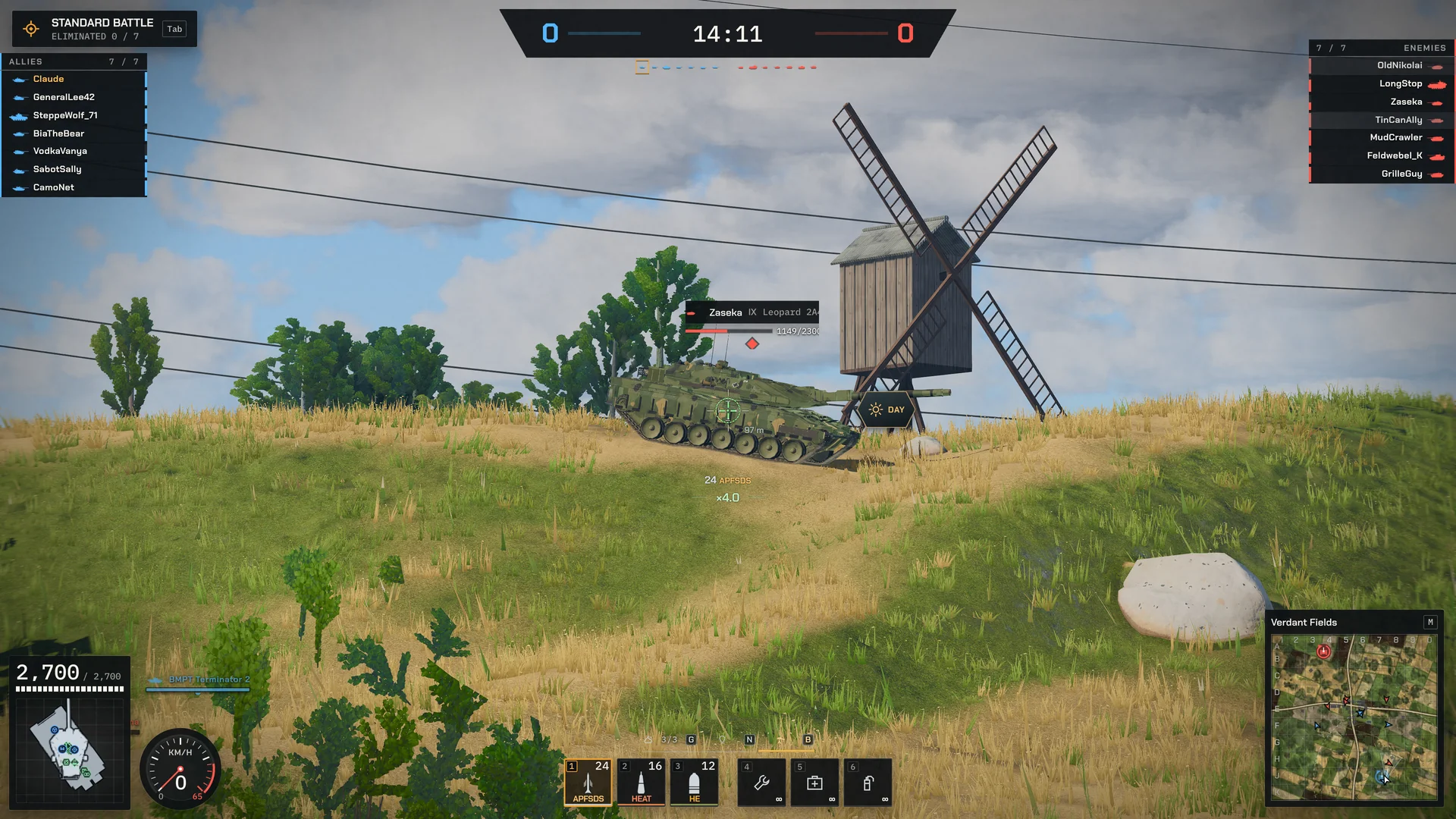
Desktop and mobile resolve separate starting profiles. Internal resolution, shadow work, vegetation density, effect budgets, and post features can step down independently. Hysteresis prevents rapid oscillation.
Device diagnostics and measured overload, not user-agent labels alone, select the safe path. A quality change never alters shell travel, spotting, damage, or authoritative timing.
Keep boot and routes isolated
The garage does not build a battlefield until concrete Battle intent. Public pages do not import the playable renderer, and garage boot does not eagerly import the complete simulation or fleet graph. Exact vehicle-family and world work is acquired only when the selected route needs it.
Cold-load probes disable caches and record network plus application work so a warm navigation cannot masquerade as first-visit performance.
Stage battle loading behind cover
Battle entry acquires the exact world and roster, uploads required textures, prepares effects, submits vehicle materials, warms shaders and post-processing, and establishes the first valid camera before reveal. Required work finishes before the countdown instead of surfacing as a black or frozen opening frame.
Progress reflects owned stages. Stale work is cancelled when intent changes, and a retryable lifecycle owns recovery rather than scattering timers through the composition root.
Performance evidence
Performance traces record frame categories, renderer counters, dynamic scale, and transition budgets. Browser probes cover cold load, battle entry, map switching, the garage, and multiplayer rendering.
Use npm run perf:dev, npm run perf:cold, npm run perf:transitions, and a production build for renderer work.
Headlights, shadows and smoke
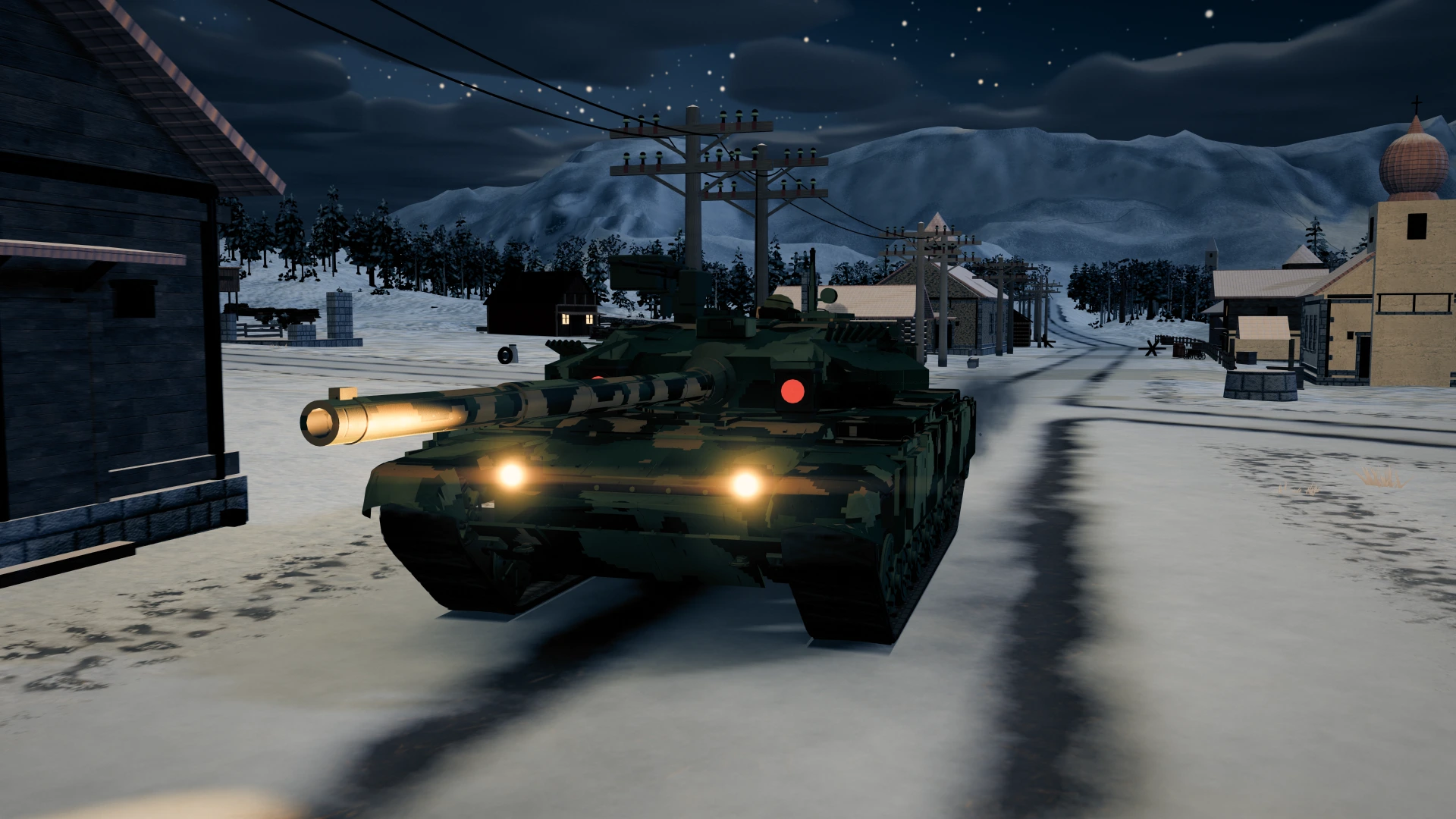
Driving lights use actual model apertures and follow the hull’s pose. Their warm beams now illuminate farther ahead; only the nearest eligible sources occupy a fixed light pool, while the other visible lamp lenses may still glow. Switching lights off or destroying a tank removes its contribution. Periscopes, mirrors and unrelated armor must not glow just because they share a material.
Ambient occlusion and cast shadows are separate. Turning AO off should not remove sun shadows. Shadow stability, cloud history and effects composition have dedicated checks for moving cameras, firing and quality changes. Smoke is both a rendered volume effect and a simulation visibility blocker; the picture and the spotting decision have separate owners that must agree.
Graphics recovery and stale sessions
The browser may reclaim a graphics context under memory pressure. The game pauses presentation and restores resources behind cover before resuming. Quality recovery should be bounded, preserve the battle state and avoid repeated allocation. A reload is the fallback when restoration cannot complete; it is not the normal way to switch maps or vehicles.
When a regular tab behaves differently from a fresh tab, compare the served application version and saved graphics settings before attributing it to one render effect. Hashed assets and deployment-version checks protect against mixed releases. Record the map, vehicle, quality, viewport and reproduction steps with a report; a screenshot alone cannot establish whether the cause is stale assets, settings or GPU state.