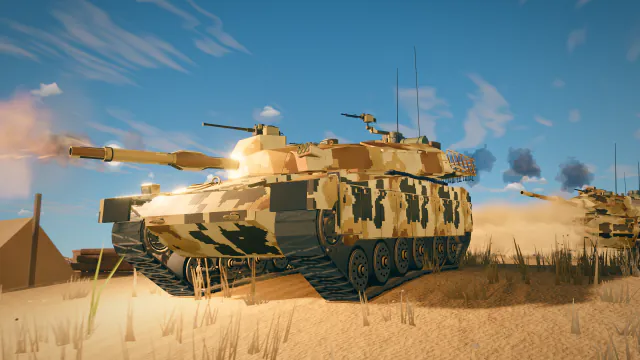
Keyboard, mouse, gamepad and touch, then Watch mode's drone, ride along and take control.
Keys, mouse and gamepad
Every action and its default keys, named as the settings list them. Change any of them in Settings.
Movement
| Action | Keys | Gamepad |
|---|---|---|
| Move Forward | W ↑ | — |
| Move Back | S ↓ | — |
| Steer Left | A ← | — |
| Steer Right | D → | — |
| Handbrake | SPACE | A |
| Flip Tank | F | — |
Combat
| Action | Keys | Gamepad |
|---|---|---|
| Fire Gun | LMB | RT |
| Sniper Mode | L-SHIFT | LT |
| Shell Slot 1 | 1 | D-UP |
| Shell Slot 2 | 2 | D-LEFT |
| Shell Slot 3 | 3 | D-RIGHT |
| Drop ammunition supplies | J | — |
| Drop health supplies | K | — |
| Cycle sensor view | I | — |
| Drone | V | — |
| Smoke | G | — |
| Lights | N | — |
| Auto gun | B | — |
| Special Action | E | LB |
| Reload Magazine | C | D-DOWN |
| Auto-Aim Lock | T | — |
| Armor Overlay (Hitboxes) | H | — |
Consumables
| Action | Keys | Gamepad |
|---|---|---|
| Repair Kit | 4 | X |
| First Aid Kit | 5 | Y |
| Fire Extinguisher | 6 | B |
Camera
| Action | Keys | Gamepad |
|---|---|---|
| Gun Hold (Free Aim) | CAPS L-ALT | RB |
| Aim / Free Look (RMB) | RMB | — |
| Zoom In | WHEEL ↑ | — |
| Zoom Out | WHEEL ↓ | — |
Interface
| Action | Keys | Gamepad |
|---|---|---|
| Minimap Zoom | M | BACK |
| Shot Info Log | L | — |
| Performance Overlay | F8 | — |
| Network Details | F3 | — |
| Leave Battle | F4 | — |
| Reset Range | R | — |
| Moving Targets | Y | — |
| Settings Menu | ESC | START |
Hold or toggle
Settings › Accessibility can switch each of these between holding the key and pressing it once.
- Fire Gun
- Handbrake
- Gun Hold (Free Aim)
- Aim / Free Look (RMB)
- Team rosters
Touch
On a phone or tablet the battle shows its own controls.
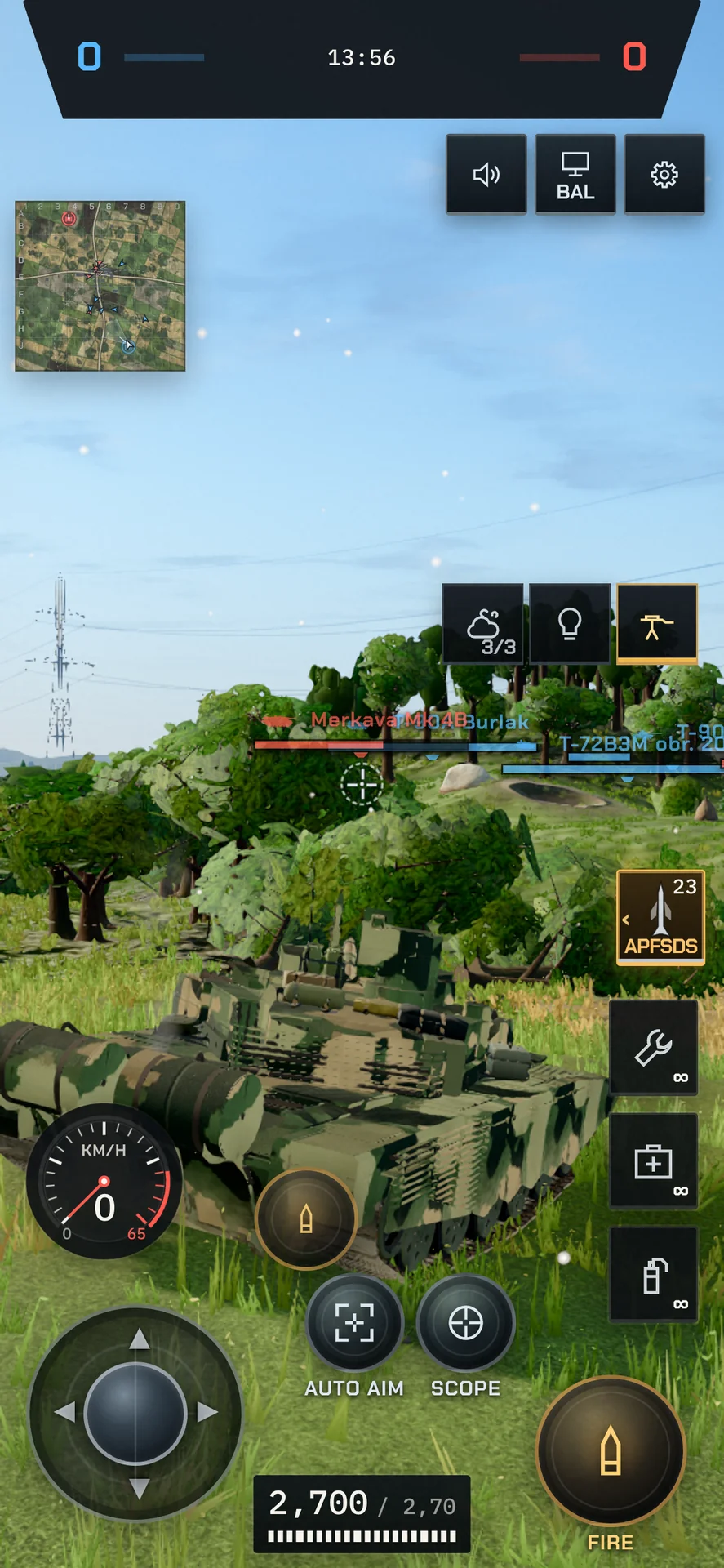
- Left thumb: the joystick drives.
- Swipe anywhere else to aim.
- Tap Fire to shoot. Hold and drag to aim, release to fire; hold longer to keep firing. Drag into the cancel zone to hold the shot.
- Scope enters the gunner's sight.
- Pinch to step the sight's zoom.
- Auto Aim locks onto the enemy nearest the reticle.
- Rocket jumps or rights the tank, in modes that have a jump.
Watch mode
Watch a bots' battle from the Garage: Watch sits beside Deploy. Every seat is a bot's, every tank is visible and nothing is recorded. It works in 12 modes.
Drone
Fly anywhere over the battle. You open 70 m up at 14 m/s; the wheel steps the speed (4 / 8 / 14 / 24 / 40 / 64 m/s) and Shift boosts ×2.5.
- W A S DFly
- SPACE CClimb and descend
- L-SHIFTBoost
- WHEEL ↑ WHEEL ↓Step the speed
Ride along
Follow any tank from behind, or look through its gunner's sight at ×2 / ×4 / ×8.
- FRide the tank in the middle of the view
- TAB Q ENext and previous tank
- L-SHIFTGunner's sight
- VBack to the drone
Take control
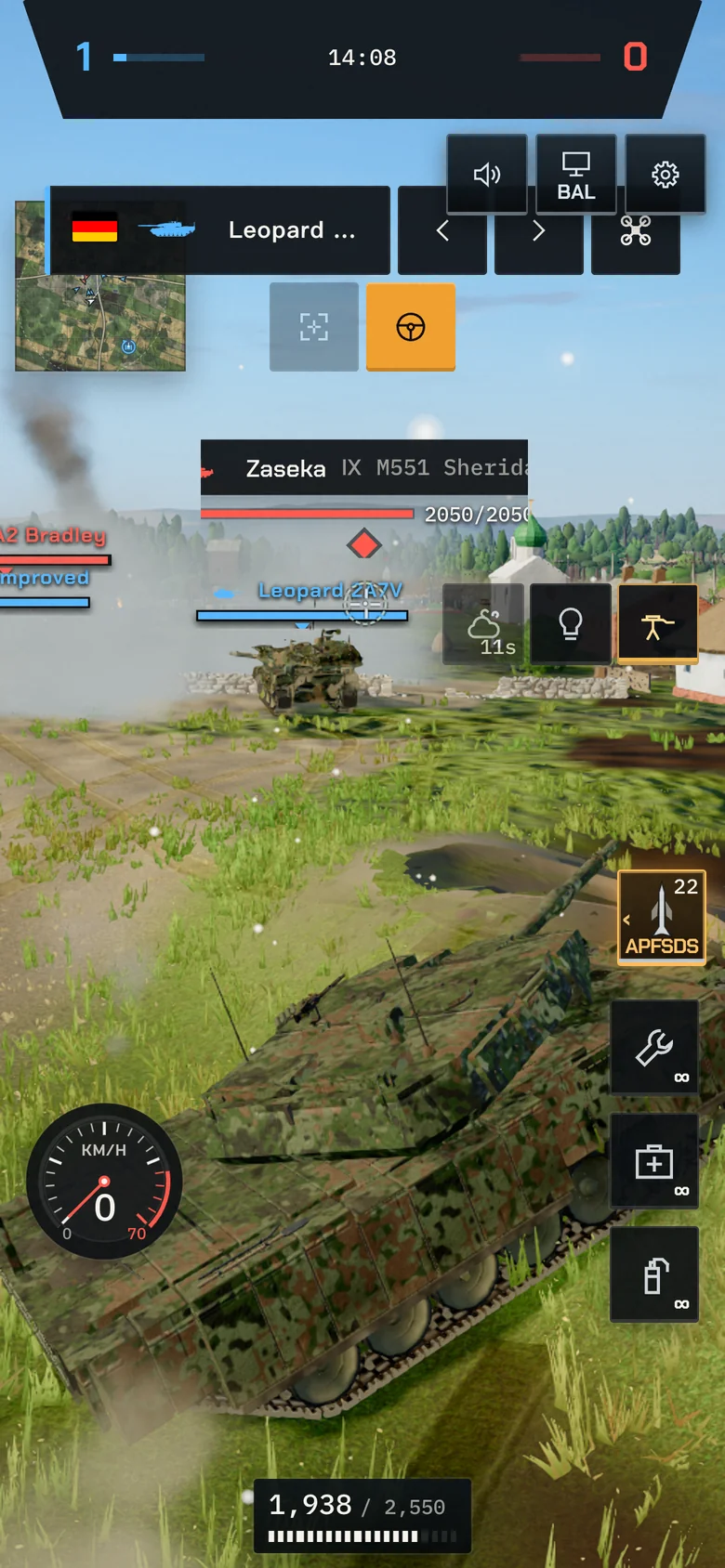
Take over the tank you ride and fight it yourself. If it dies, the drone takes you back after 3.5 s.
- ENTERTake control, or hand it back
Your HUD
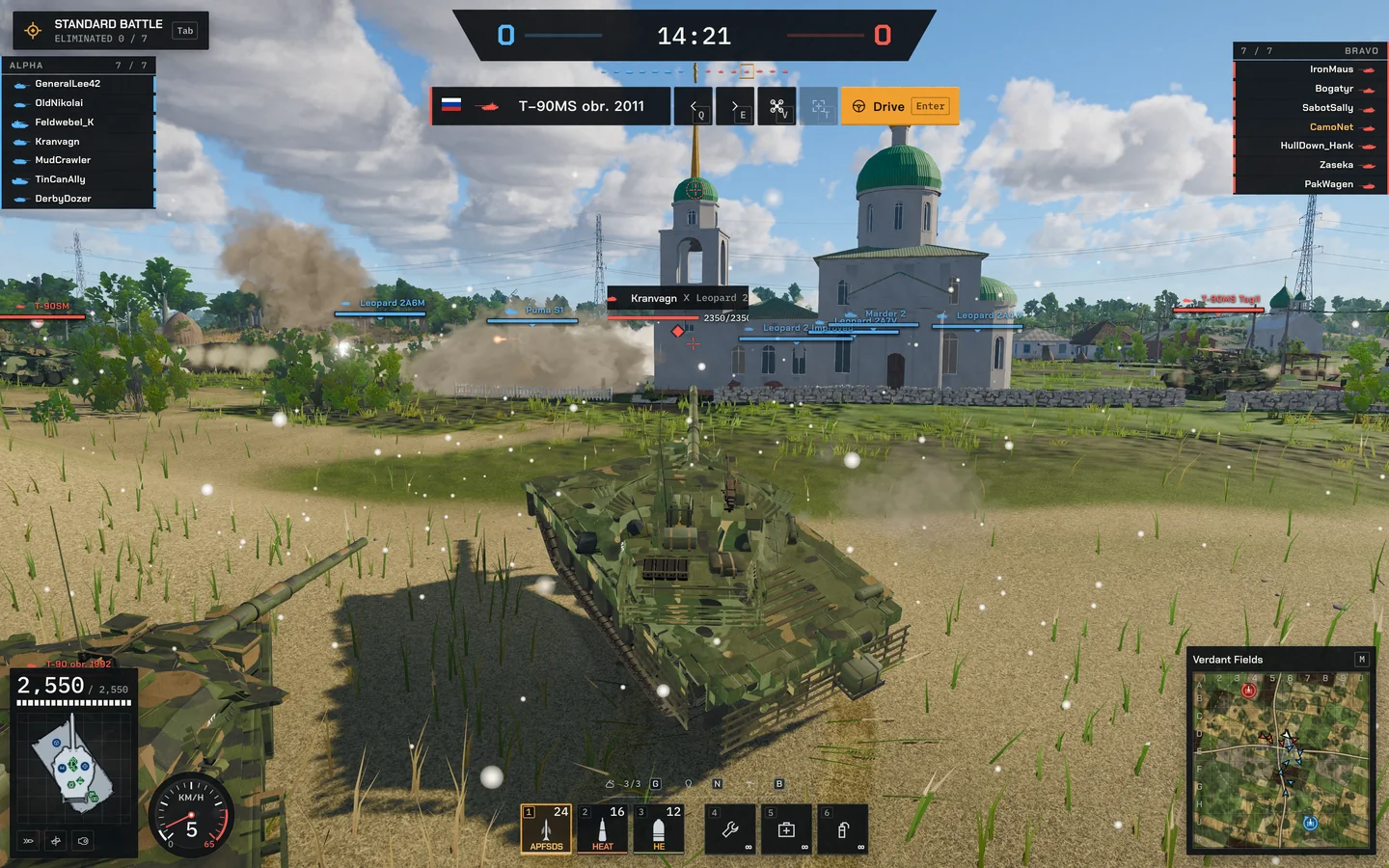
Settings › Gameplay › Edit HUD layout: move or hide each panel over a battlefield preview; Desktop, Phone portrait and Phone landscape each keep their own layout.
F10 switches to the minimal battle HUD: the reticle, range, zoom and ammunition stay, the other panels hide. Press it again to bring them back.
On touch screens, turn on Minimal battle HUD in Settings; a three-finger tap brings the full HUD back.